Best Two-Player Games on One Keyboard
By the LetsPlayFree editors ·
You do not need a second device to play together. Many browser games let two players share one keyboard, and each one is quick to start so you can play several rounds in a single sitting. This guide lists the best two-player options we have reviewed, tells you which keys each player uses and explains how to set up a comfortable shared keyboard.
How shared-keyboard play works
In most local two-player browser games, one player uses the left side of the keyboard (usually WASD) and the other uses the arrow keys. A few games give each player a single key, which makes them especially easy to share because there is nothing to learn. The trade-off is that keyboards cannot always register many keys at once, so games with simple controls tend to work best.
Before you start, agree on who plays which side, sit close enough that neither of you has to reach, and check the controls shown in the game. Then pick a game from the lists below.
Sports and head-to-head games
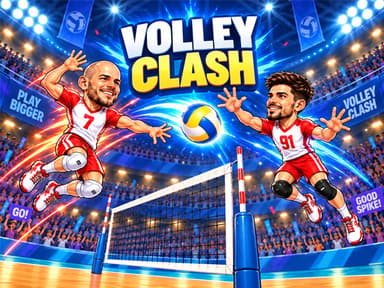
VOLLEY CLASH is the most complete volleyball option. Player 1 moves with A and D, jumps with W and hits with Space, while Player 2 uses the arrow keys and Enter. You can unlock 18 volleyball players, and double-tapping the attack key triggers a Fire Attack when it is charged, with an 8-second cooldown.
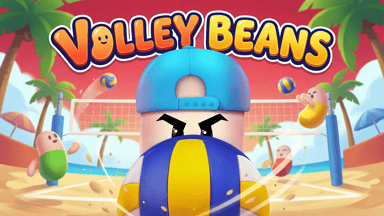
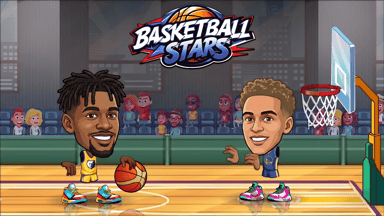
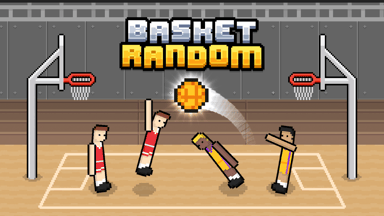
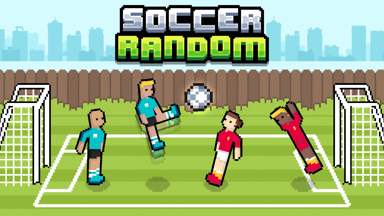
Volley Beans is a sillier volleyball game with wobbly beans, controlled with mouse and keyboard. Basketball Stars offers dunks, three-pointers and a tournament, with Player 1 on WASD or arrows and X or L to shoot. Basket Random and Soccer Random are chaotic one-key games: in both, Player 1 uses W and Player 2 uses the Up Arrow, and the unpredictable physics mean a better player does not always win.
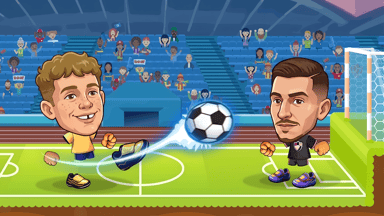
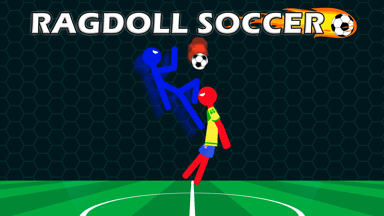
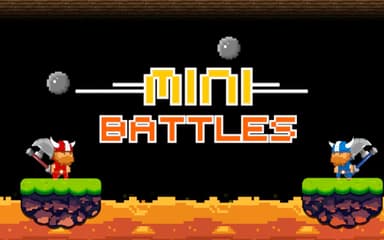
Soccer Legends 2026 supports 1v1 and 2v2 matches with unique players and special abilities, and Ragdoll Soccer lets you control a stick figure like a doll to outscore a friend. If you want variety in one package, 12 MiniBattles - Two Players gives you a collection of pixel-art mini games chosen by a spinner.
Racing and reflex games
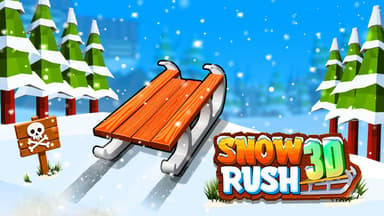
Snow Rush 3D lets two players race sleds down icy tracks on one keyboard: Player 1 uses A and D with W or Space to jump, and Player 2 uses the left and right arrows with the Up Arrow. Note that on phones only the single-player mode is available.
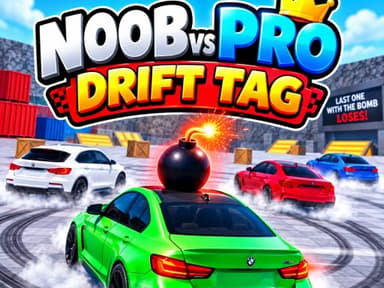
Rolling Balls Sea Race is a physics racer with narrow tracks over deep water, with WASD for Player 1 and the arrow keys for Player 2. Noob vs Pro : Drift Tag is a drifting game of tag where the car holding the bomb must pass it on before the timer ends.
The Geometry Vibes games add multiplayer to one-button reflex play. Geometry Vibes 3D has a two-player mode, Geometry Vibes Monster has a 2, 3 or 4 player race mode, and Geometry Vibes X Ball supports up to four players with other players using the Up Arrow, H and L. They are an easy way to compare who has the steadier hand.
Co-operative and casual games
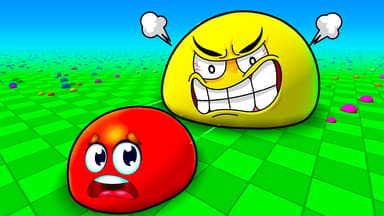
Eat Blobs Simulator gives each player a blob in a shared arena. Player 1 uses WASD and Player 2 uses the arrow keys. Growing larger changes who can eat whom, so even a small player has a chance.
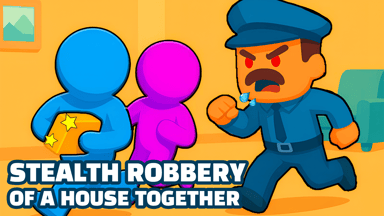
Stealth robbery of a house together is a cooperative stealth game in which you steal things, hide from guards and carry loot to a van, either alone or with a friend on the same device. It is a good option when you would rather work together than compete.
Tips for a comfortable shared keyboard
Keep the two players’ keys physically apart: WASD on the left and the arrow keys on the right avoids most accidental overlaps. If one of you has bigger hands, let them take the arrows. Choose a first-to-three format instead of one long match so the game stays fun even when scores are uneven.
If a game is too hard for one player, try a one-key game such as Basket Random or Soccer Random, where the control is the same for everyone and luck helps level the field. For a competitive evening, VOLLEY CLASH and Basketball Stars have enough depth to reward practice.
Frequently asked questions
Do two-player browser games need two devices?
No. These games let both players share one keyboard on the same screen.
Which game is best for a first try?
Basket Random and Soccer Random use one key per player, so there is almost nothing to learn.
Can I play two-player games on a phone?
Some are single-player only on mobile. For example, Snow Rush 3D enables only one-player mode on phones. Check each game page.
Why do some keys stop working when we both press at once?
Many keyboards can only detect a limited number of simultaneous keys. Games with fewer controls are more reliable.
Looking for more? Browse all reviewed games or the game collections.