How to Play Browser Games on Your Phone
By the LetsPlayFree editors ·
Most games on this site are HTML5 games, which means they run directly in your phone’s browser with nothing to install. They work well on phones, but a few settings and habits make the experience noticeably better. This guide covers how to prepare your phone, how to read each game’s touch controls and which games are the best fit for a small screen.
Why browser games work on phones
HTML5 games use the same technology as any web page, so they load in Chrome, Safari or any other modern mobile browser. There is no app store, no download and no account. You press Play on the game page and it starts. Many developers design their games for touch first, which is why you will see tap, swipe and drag controls rather than keyboard instructions.
The trade-off is that a game runs inside a browser tab, so it can be affected by what else your phone is doing. A few small preparations help.
Prepare your phone
Close other tabs and apps before you start, especially for 3D games. Turn off battery saver mode if a game stutters, because power saving can limit performance. Play on Wi-Fi when you can, since a game loads from the distributor’s servers when you press Play, and larger games can take a moment.
If a game looks tiny, rotate your phone. Platformers and racers often work best in landscape, where controls sit on either side of the screen, while puzzle games usually prefer portrait.
Use fullscreen
On the game page, press Play and then the Fullscreen button above the game. Fullscreen gives the game more of the screen and keeps accidental taps on the page away from the controls. Press Esc, or use your phone’s back gesture, to leave fullscreen.
Learn the control styles
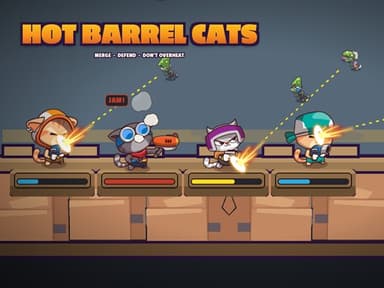
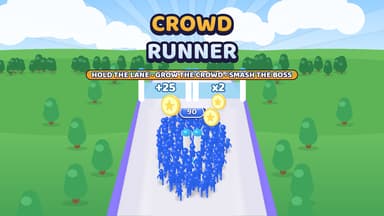
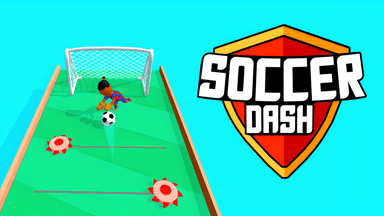
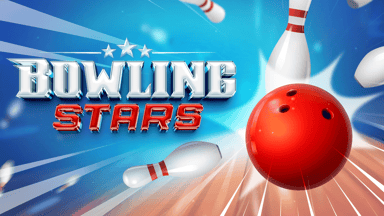
Touch games come in a few main styles. Tap-only games, such as Hot Barrel Cats, use taps and drags. One-finger games, such as Crowd Runner, need you to hold and drag anywhere to steer. Swipe games, such as Soccer Dash and Bowling Stars, ask you to drag or swipe to aim a throw or kick. Button games add on-screen controls: Fat Duck Frenzy, for instance, offers steer and jump buttons as well as drag-to-steer and swipe-up-to-jump.
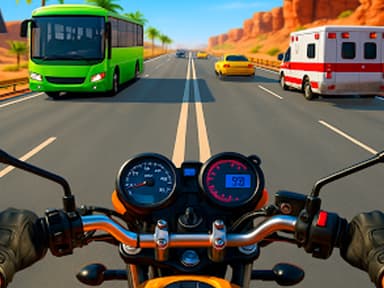
Tilt controls are also possible. Highway Traffic Racer 3D lets you steer with left and right buttons or switch to tilt controls and steer by tilting your device. Before you start, read the short controls note on each game page, which we write for every reviewed game.
Games that suit touch screens
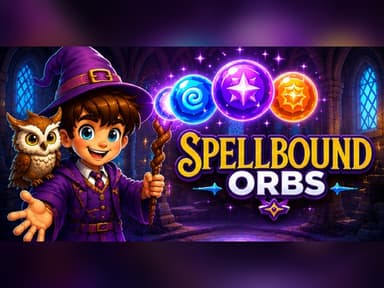
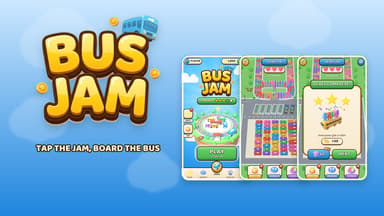
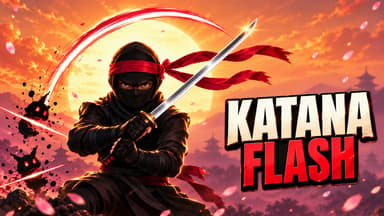
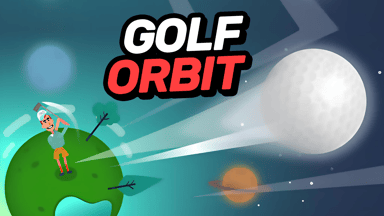
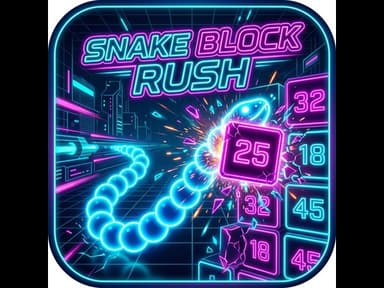
Some genres are naturally better on a phone. Sorting and matching puzzles use simple taps. Spellbound Orbs needs you to touch and drag to aim and release to shoot, and Bus Jam only needs taps. One-button arcade games such as Katana Flash and Golf Orbit have almost nothing to learn. Snake Block Rush lets you swipe left or right to steer a growing snake, and School Of Basketball has you touch and drag anywhere on the screen to throw.
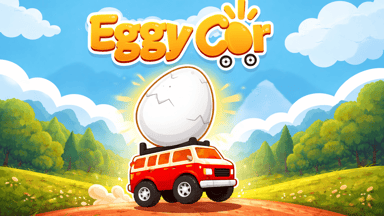
Casual runners and physics games are also strong on mobile. Eggy Car is a physics driving game where you tap paddles to accelerate and brake, and Crowd Runner needs only one finger.
Games that need more controls on a phone
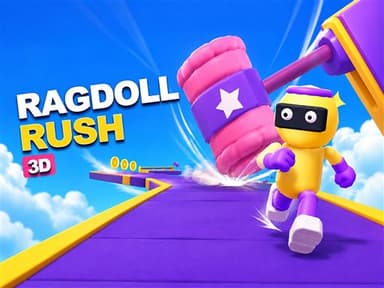
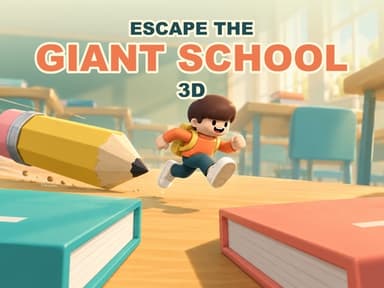
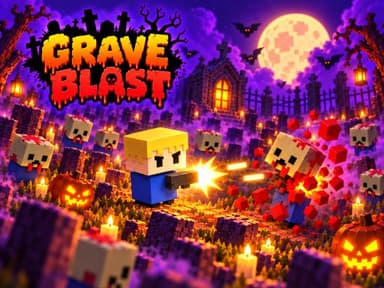
A few games with many controls are still playable on phones but ask for more practice. Ragdoll Rush 3D: Sky Race offers a left joystick and a jump button. Escape the Giant School 3D uses a joystick, a jump button and swipes to look around. Grave Blast is a twin-stick shooter with a virtual joystick on the left side. They are fun, but they work best once you have found a comfortable way to hold the phone.
If a game feels awkward on touch, try a tablet or a computer. Many games run on all three and keep the same controls.
About ads
Some games show a short advertisement before they start or between rounds. These ads come from the game developers and distributors and help keep the games free. If an ad is slow or does not close, reload the page and try again. If a game seems stuck on an ad, check your connection.
Frequently asked questions
Do I need to install an app?
No. The games run in your browser. Just open the game page and press Play.
Will my progress be saved?
Some games save progress in your browser, but others do not. Clearing your browser data may remove saved progress.
Which game should I try first on a phone?
Crowd Runner and Katana Flash both use one finger or one tap and are easy to start.
Why does a game run slowly on my phone?
Close other tabs and apps, turn off battery saver mode and try again. Large 3D games need more performance than simple puzzles.
Looking for more? Browse all reviewed games or the game collections.